> For the complete documentation index, see [llms.txt](https://wp.gotmlabz.io/llms.txt). Markdown versions of documentation pages are available by appending `.md` to page URLs; this page is available as [Markdown](https://wp.gotmlabz.io/trait-store/edit-project.md).
# Edit Project
With this feature you can easily set up & edit your project and it's traits. Here's a quick step by step on how to edit your data 👇
Public
* Use toggle button to make store available or unavailble to public, great for setting up and testing.
### Project Name
* Enter the name of your project.
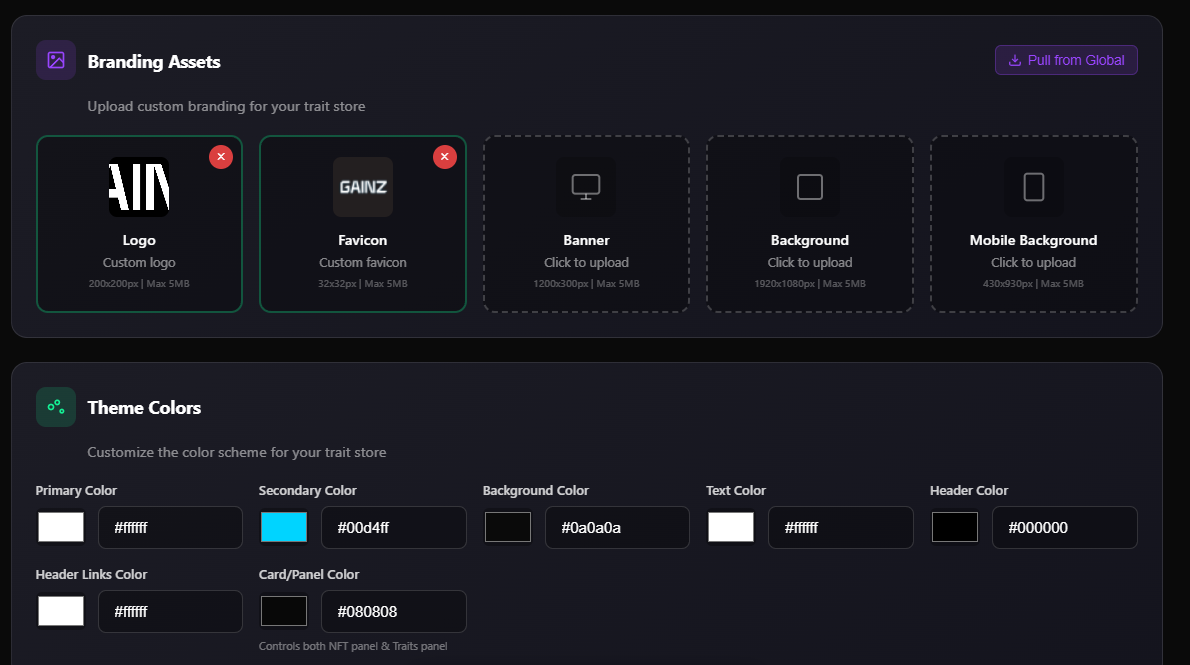
### Logo / Favicon / Banner / Backgrounds
* Upload branding for your project.
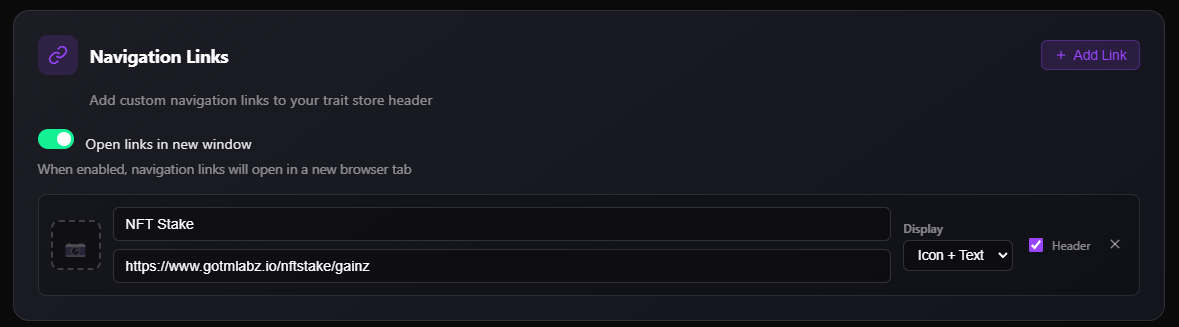
### Custom Links
* Add custom links to the navigation bar of your store.
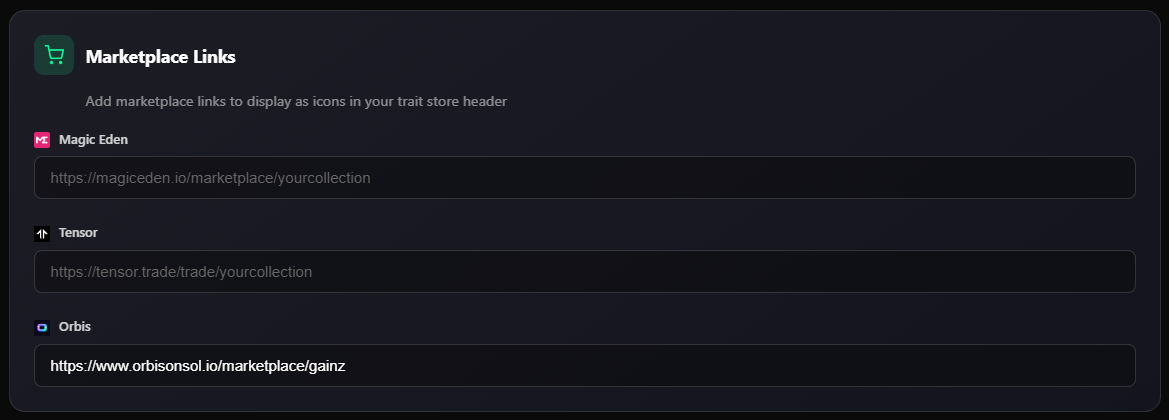
### Links
* Add links to marketplaces, discord and twitter.
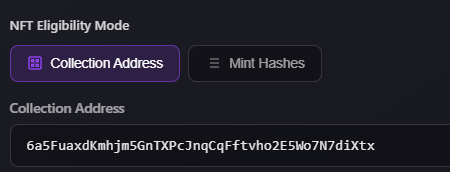
### Collection Address, Verified Creator or Hashlist
* Enter one of the above to define the NFTs shown in your store.
### Ineligble NFTs
* Here you can enter the hashlist of any 1/1's from the collection to be excluded from the trait store.
* Enter hashlist such as: \["nftpubkey1", "nftpubkey2"].
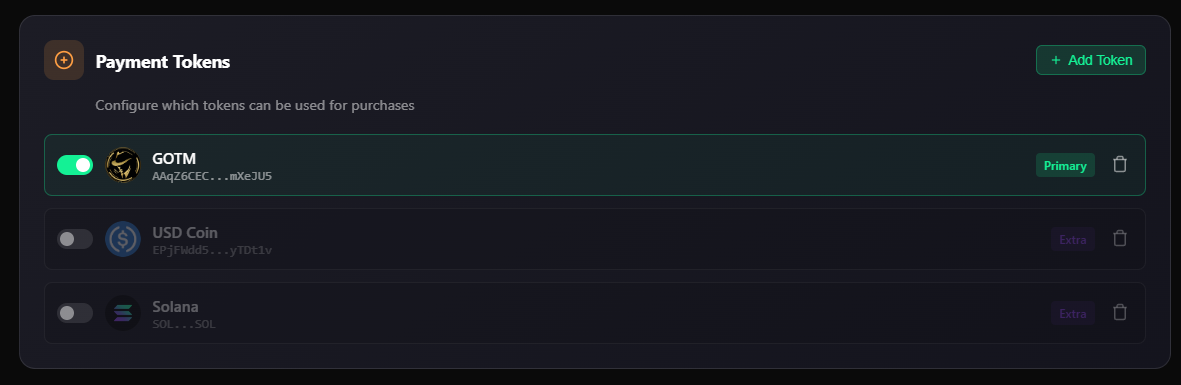
### **Project Tokens**
* Enter the address of the SPL token you want to use in the store.
### Rarity Display
* Optional, enter the howrare url for your collection, this will display the rarity of your NFTs in the front end.
### SOL Fee
* You can define a transaction fee in SOL and the designated wallet to be applied to every customer transaction.
### Token Fee
* You can define where the TOKEN is distributed to from all sales within your store and set the designated wallet addresses.
* Percent should be set in decimal form. Example: 25% should be inputted as 0.25. All amounts should total 1.
### Layer Order
* Layers will automatically appear based upon the first NFT in your collection. After creating the store, refresh the page to prompt an update.
* Please add any additional layers in the correct order it should be generated (even if it's a text-only layer). If a layer exists on an NFT, but not here, it will not be generated. No layers found.
* You can reorder the layer order displayed in store by dragging into correct position.
#### Custom Layer Orders (Overrides)
Define alternate layer orders that activate when specific traits are present on the NFT. For example, skeleton bodies may need a different layer order.
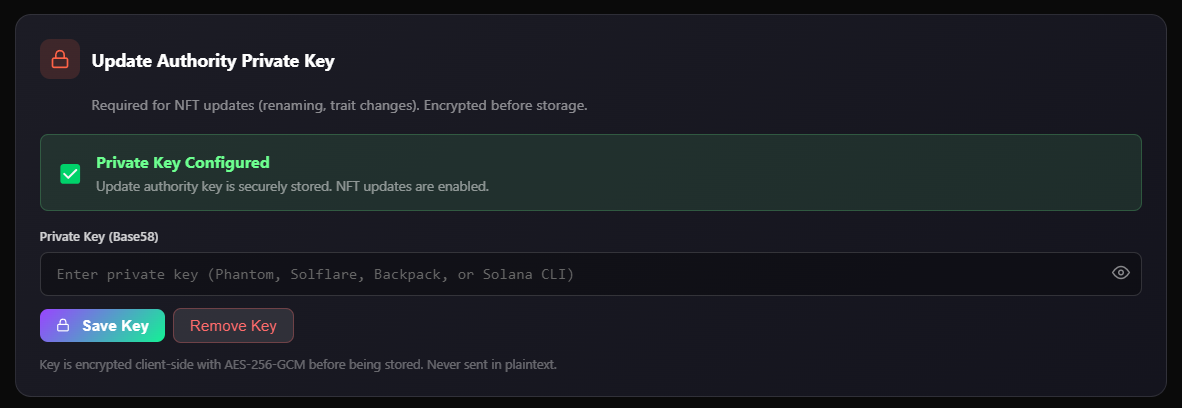
### UA Wallet
* In order for the store to function correctly, the UA wallet is required. \
Enter the private key for the UA wallet to your collection.
* **This value is securely encrypted in our database and never exposed.**
---
# Agent Instructions
This documentation is published with GitBook. GitBook is the documentation platform designed so that both humans and AI agents can read, navigate, and reason over technical content effectively. Learn more at gitbook.com.
## Querying This Documentation
If you need additional information that is not directly available in this page, you can query the documentation dynamically by asking a question.
Perform an HTTP GET request on the current page URL with the `ask` query parameter, and the optional `goal` query parameter:
```
GET https://wp.gotmlabz.io/trait-store/edit-project.md?ask=&goal=
```
`ask` is the immediate question: it should be specific, self-contained, and written in natural language.
`goal` is optional and describes the broader end goal you are ultimately trying to accomplish on behalf of the user. GitBook uses it to tailor the answer towards what is most useful for that goal.
The response will contain a direct answer to the question and relevant excerpts and sources from the documentation.
Use this mechanism when the answer is not explicitly present in the current page, you need clarification or additional context, or you want to retrieve related documentation sections.